
Free tool · No signup · Your file is never stored
Price the labels
before you
win the job.
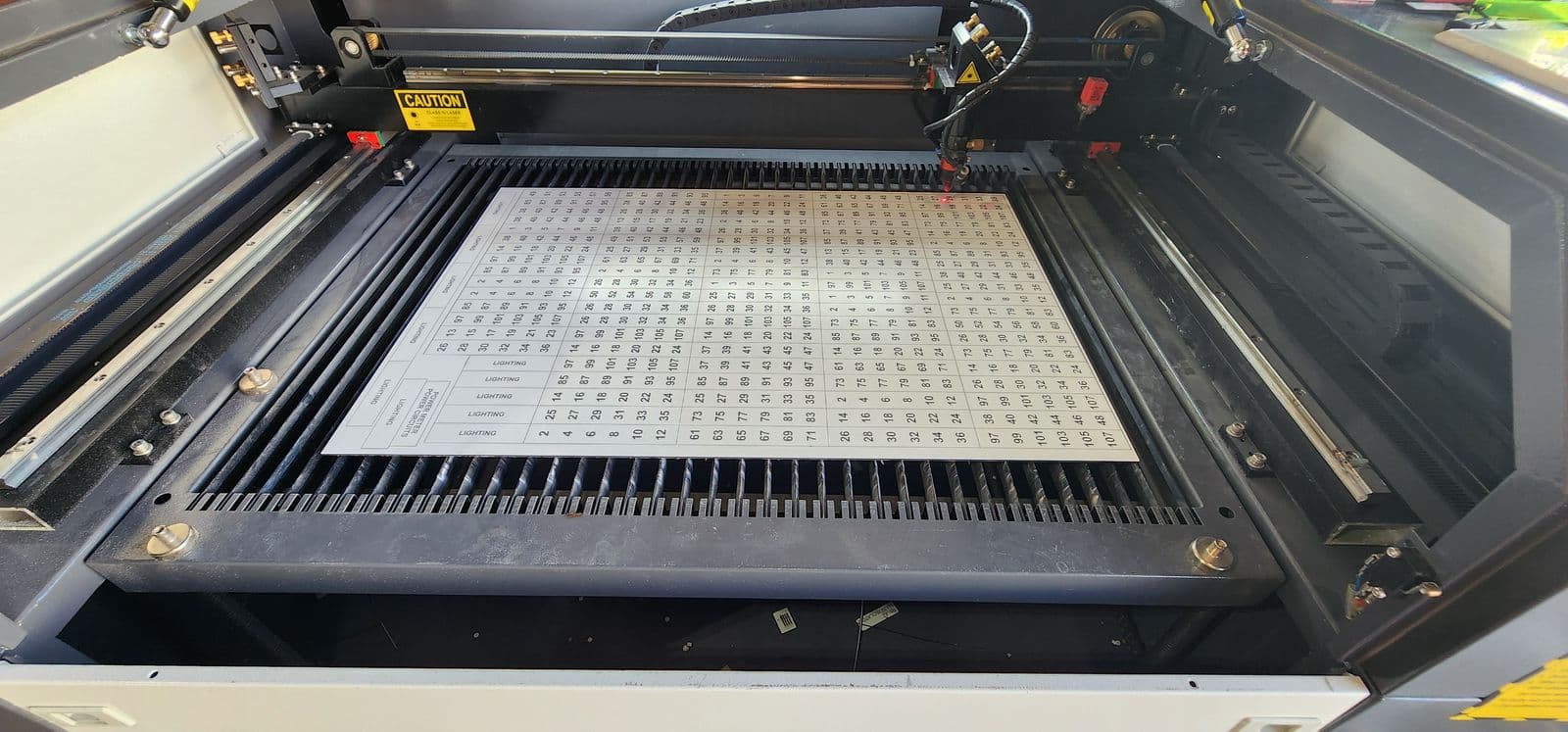
The RBZ 3D label cost calculator turns a label schedule spreadsheet into an itemised engraved-label price estimate instantly, so contractors can include labelling in their tenders instead of discovering the cost at the end of a job.
Upload your label schedule, CSV or Excel, and get an itemised engraved-label estimate in seconds, priced with the same engine as our online designer. Labels priced at tender time are a line item you control; labels priced at the end of the job are a cost you eat.
- Instant
- Instant engine-priced
- Itemised
- Itemised row by row
- Volume pricing
- Volume pricing whole-order discount
- Private
- Private file never stored
The calculator
Schedule in. Labels and cost out.
Drop your label schedule here
CSV or Excel, or click to browse. Your file is priced in memory and never stored.
Got a P&ID, drawing or PDF instead? Drop it here anyway. We will point you at the right path.
Not sure of the format? Download the CSV template. Columns: text, width, height, quantity, material, thickness, adhesive.
Why now, not later
Labels are a line item, not a surprise.
Most jobs price the switchboard, the cable, the hours, and leave the labels to sort out at handover. Then the job is won on the lowest number, the labelling budget does not exist, and whoever finishes the job grabs whatever is cheapest.
Pricing the schedule at tender time flips that. The labels are in your number from day one, the client sees a complete job, and the labelling gets done properly: engraved, legible, and made for the board it is going on.
Two minutes with this calculator puts a real figure in your tender. No account, no phone call, no waiting.
Questions
Pricing labels from a schedule
How do I price labels for a tender or quote?
Export your label schedule as a CSV or Excel file (label text, width, height, quantity, material and thickness optional), upload it to the calculator above, and you get an itemised estimate in seconds, priced with the same engine as our online designer. Put that number in your tender as a line item, and the labels are costed before you win the job.
What file formats does the calculator accept?
CSV, TSV and Excel (.xlsx/.xls) spreadsheets are priced automatically. PDFs, P&IDs, drawings and photos cannot be read automatically. Send those through Quick Quote and we price every label on them manually.
Is the estimate a formal quote?
It is an indicative estimate using our live pricing engine, the same one behind the online designer. Rows that reference symbols, artwork or special geometry are flagged for manual pricing rather than guessed. A formal quote through Quick Quote confirms everything, including the flagged rows.
Is my schedule stored or shared?
No. The calculator prices your file in memory and never stores it. If you choose to request a formal quote afterwards, the file you attach to that enquiry is kept with the enquiry, and that is stated on the form.
Do volume discounts apply?
Yes. The whole schedule is priced as one order, so cross-row volume discounts apply exactly as they would at checkout, and the estimate says when a volume discount has been applied.
Can I order directly from my schedule?
Yes. The Large Orders tool imports the same spreadsheet, shows a live preview of every label, and adds the lot to your cart. No phone calls, no waiting on a quote.
Ready when you are
Ready when the schedule is.
Price it above, order it in the bulk tool, or send it through Quick Quote for a formal quote with a proof.
or call Josh directly on 0432 736 559