
We've been busy behind the scenes making the RBZ 3D website easier to use. If you've visited recently you might have noticed a few changes — here's a quick rundown of what's new and how it helps you.
Easier to Get in Touch
We've added a Contact page with a simple form. Pick what your enquiry is about — whether it's a label quote, 3D printing job, bulk order, or just a question — type your message, and send it through. No need to open your email app. We typically get back to you within 1–2 business days.
Of course, you can still email us at admin@rbz3d.au or send a message through Facebook if that's easier.
New Look
The whole site has had a visual refresh. Everything is cleaner, easier to read, and works better on phones and tablets. A few things you'll notice:
The homepage now gives you a much clearer overview of what we do, with a step-by-step guide on how ordering works.
Every page has a consistent layout, so it's easier to find your way around whether you're looking at labels, 3D printing, pricing, or the blog.
The whole site works better on mobile — navigation, forms, the label designer, all of it.
Label Templates
Not sure where to start with your label design? We've added ready-made templates to the label designer for the most commonly ordered formats:
Switchboard labels — Standard circuit label sizes, ready to fill in.
Cable tags — Common sizes with mounting holes already placed.
Emergency stop labels — Formatted for E-Stop button surrounds.
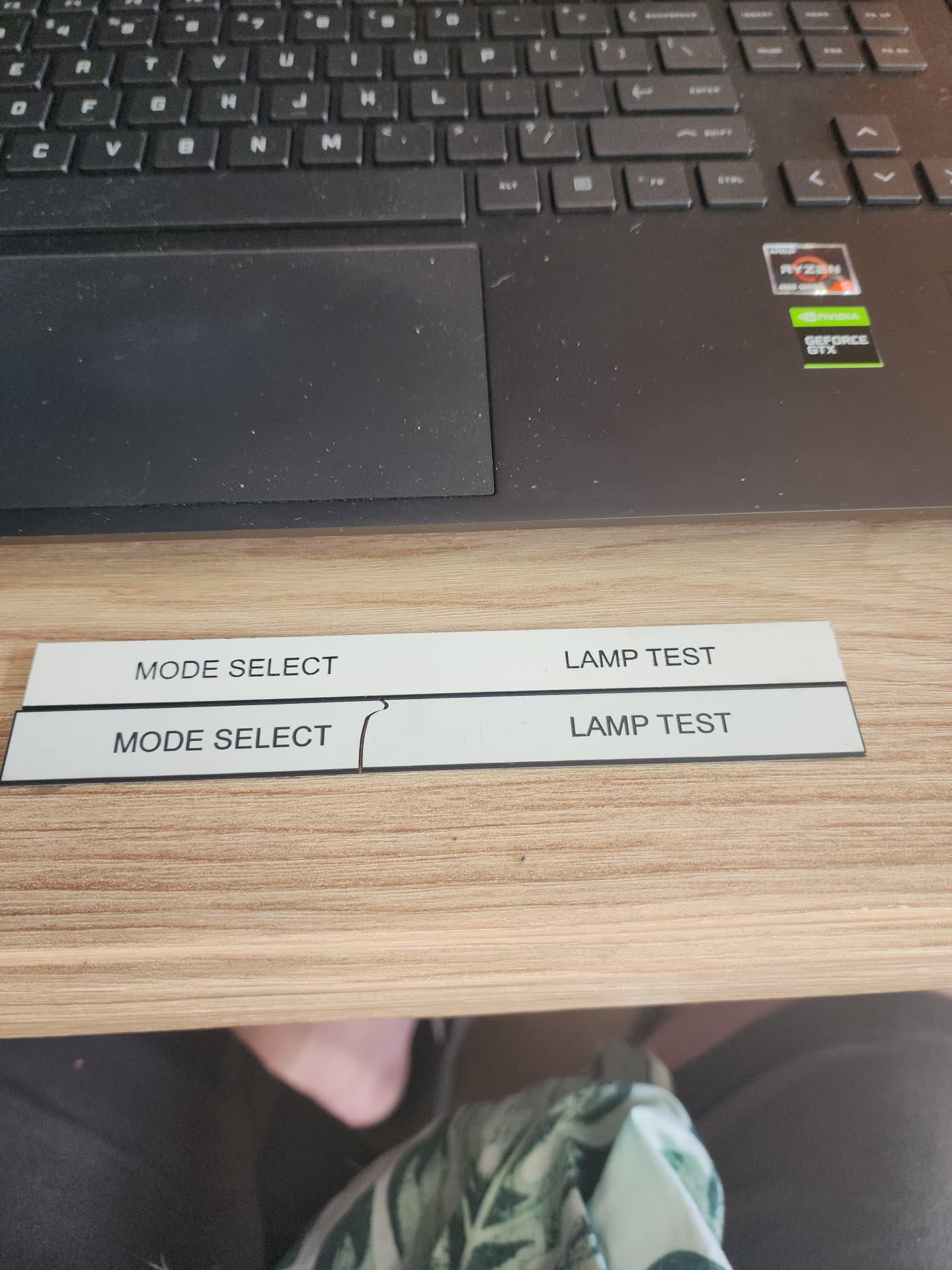
Tombstone labels — Rectangular labels for general identification.
Circular labels — Round tags for valves, equipment, or decorative use.
Multi-line labels — Layouts for circuit schedules, equipment specs, or anything with more text.
Just pick a template, change the text, choose your material, and you're done. No design experience needed.
Use It Like an App
You can now install RBZ 3D to your phone's home screen and use it like a regular app — no app store needed. Once installed, you get:
Access to your saved designs offline — handy when you're on site with patchy reception and need to check a label before ordering.
Order notifications — get a ping when your order moves to production, ships, or is ready for pickup.
Quick login with fingerprint or face recognition on supported phones.
Visit Get the App for setup instructions.
Clearer Pricing
The new Plans page makes it easy to compare what you'd pay with and without a subscription. There's a savings calculator where you can enter how many labels you typically order and see the difference straight away.
In the label designer itself, the price now updates live as you change the size, material, or add things like mounting holes — so you always know what you're up for before you add to cart.
Smoother Checkout
Paying for your order is now quicker and simpler. Everything happens on one page without being sent off to a separate site, and if something goes wrong you'll see a clear message instead of being left wondering.
Other Bits
Pages load faster, especially on mobile.
The label designer now accepts DXF files as well as SVG — useful if you're working from LightBurn, AutoCAD, or similar.
Order emails look better — confirmations, shipping updates, and receipts have all been tidied up so they're easier to read on your phone.
What's Coming
We're still adding new materials, improving the label designer, and working toward opening the online shop. If there's something you'd like to see or you've got feedback, let us know — we genuinely appreciate it.